Audio suddenly stops playing while the device is locked or if I'm using other apps
Written By Max
Last updated About 1 year ago
If your audio stops playing when you lock your phone or switch to another app, the app needs permission to run in the background.
How to fix this issue:
For Android:
Go to Settings > Apps > Bookcamp
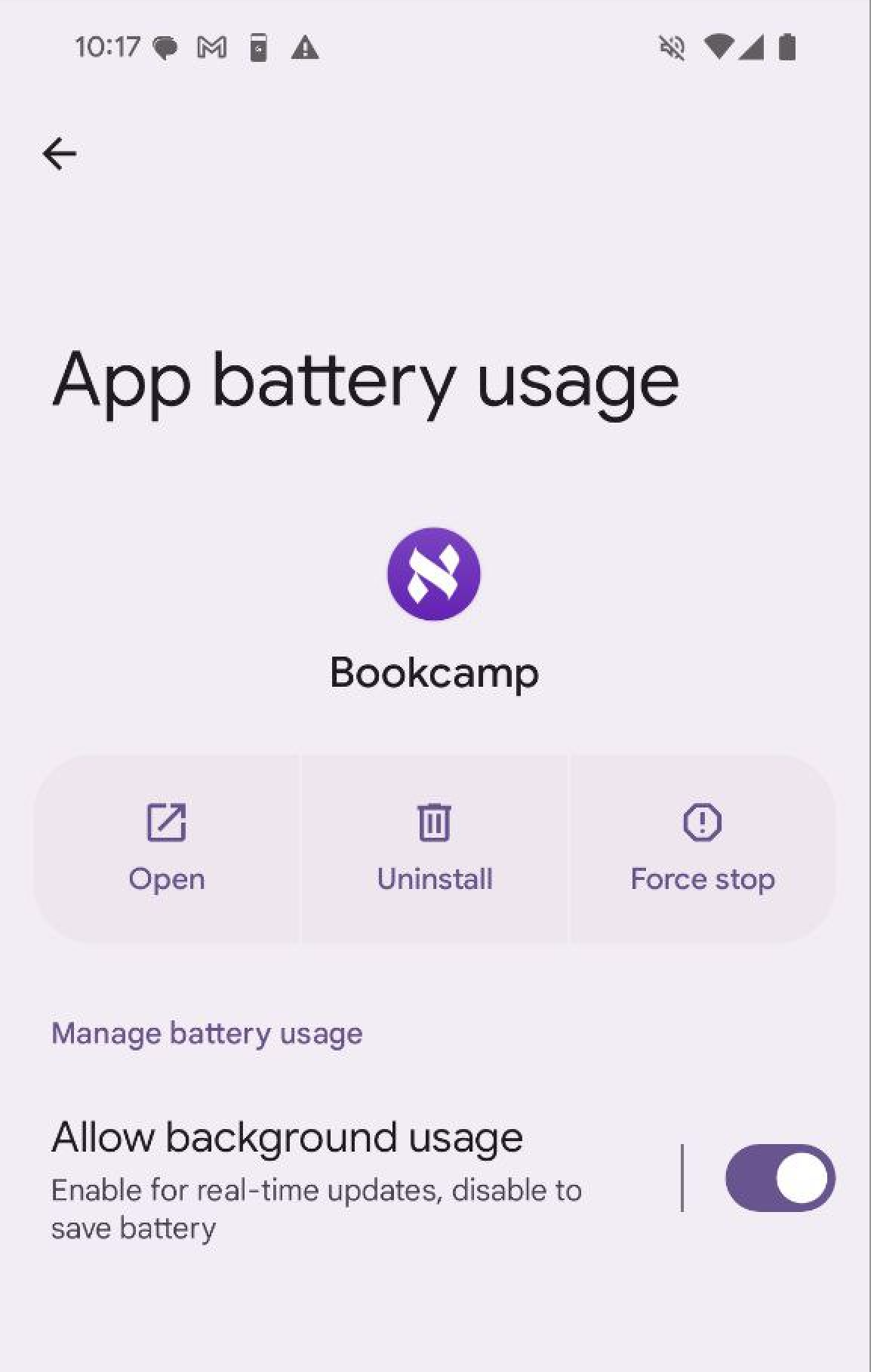
Select Battery or App battery usage
Turn on Allow background usage
Note: This setting is usually enabled by default, but Android may automatically turn it off to save battery if the app hasn't been used recently or is consuming too much power.
Why this happens
When background usage is disabled, your phone stops the app to save battery. Enabling this setting lets Bookcamp continue playing audio even when you're using other apps or your screen is off.